
Hatchling Records with Linked Lineage
When a clutch hatches, create hatchling profiles right from the clutch. Each one becomes a full animal in your Library with its parentage already linked.
Creating hatchlings
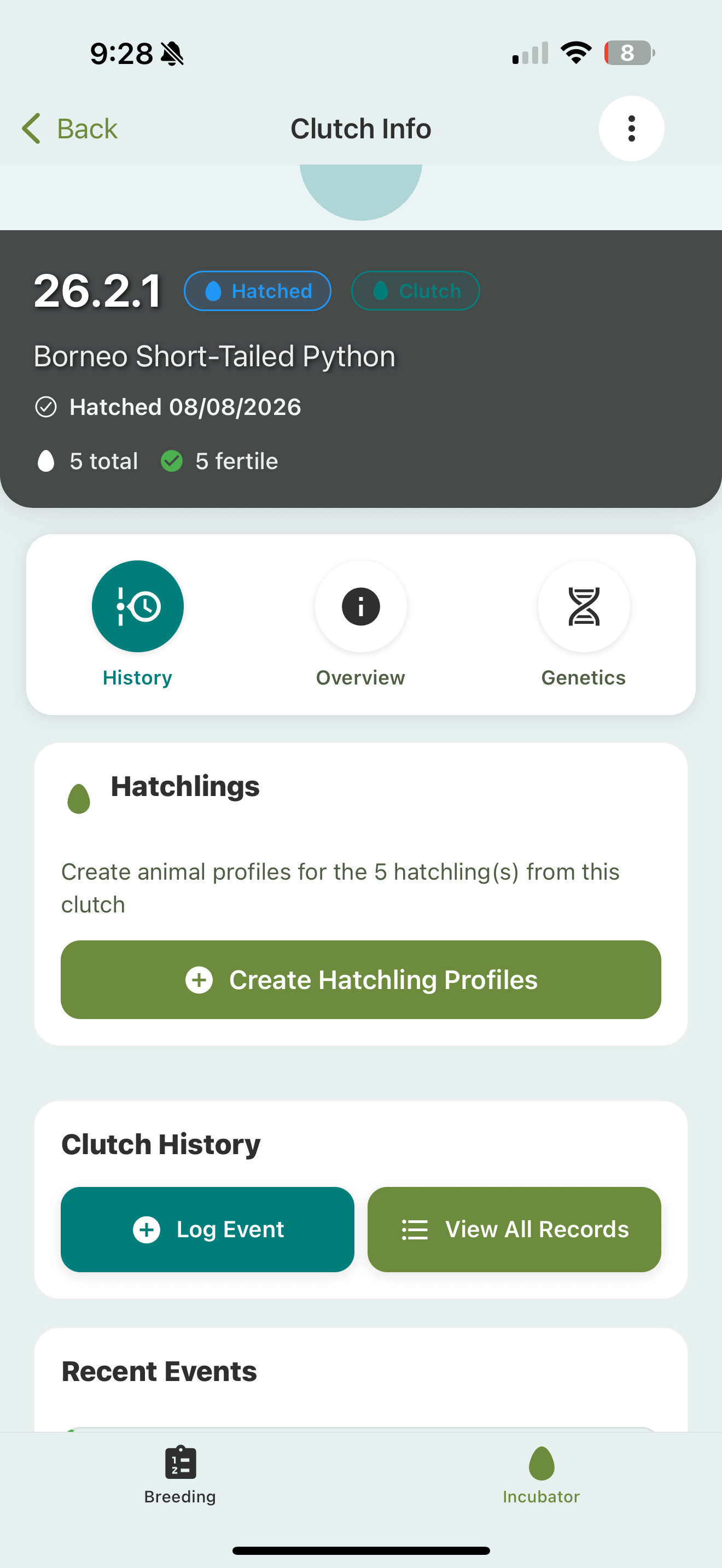
- Open the clutch and record the hatch (or the birth, with live and stillborn counts for live-bearers). When you mark a clutch hatched, you can set the hatch date — it defaults to today but you can change it.
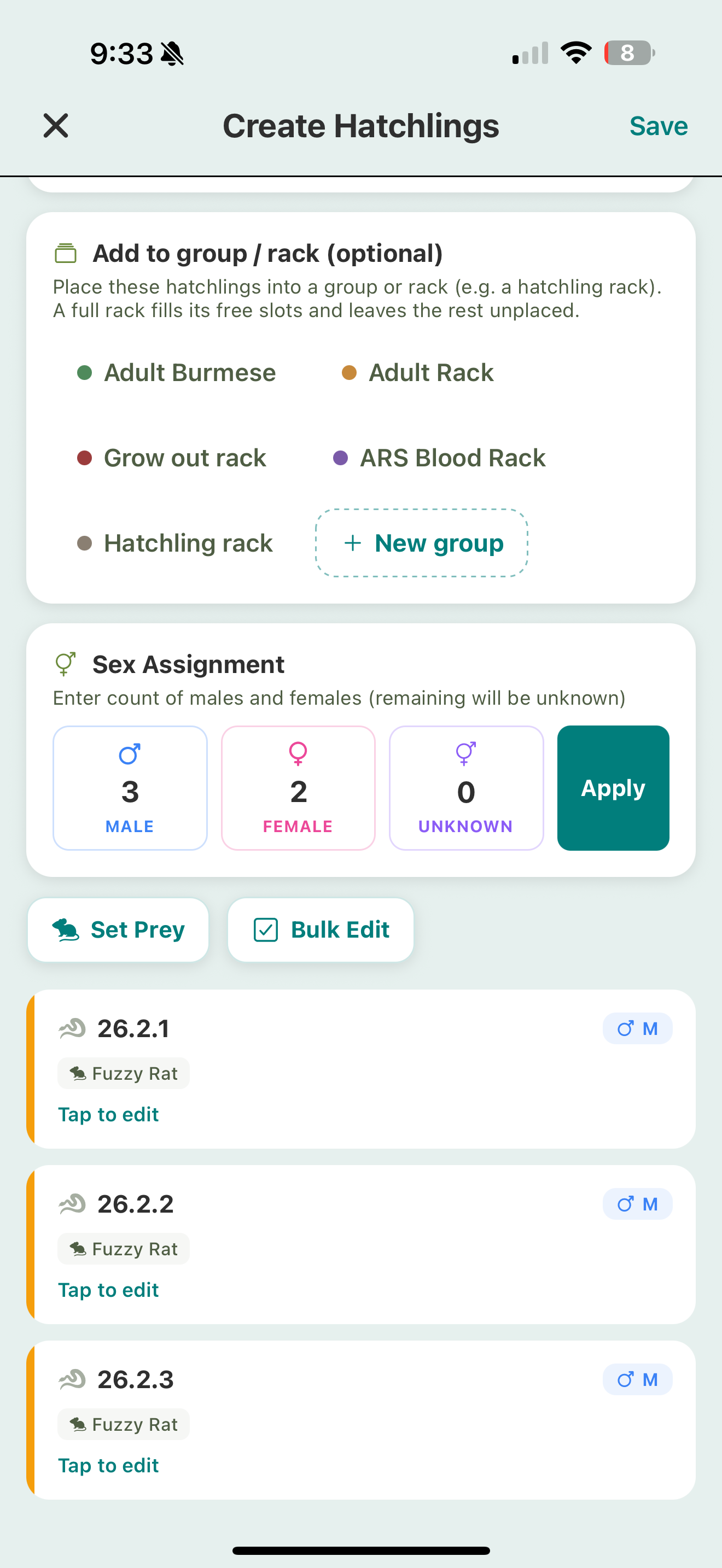
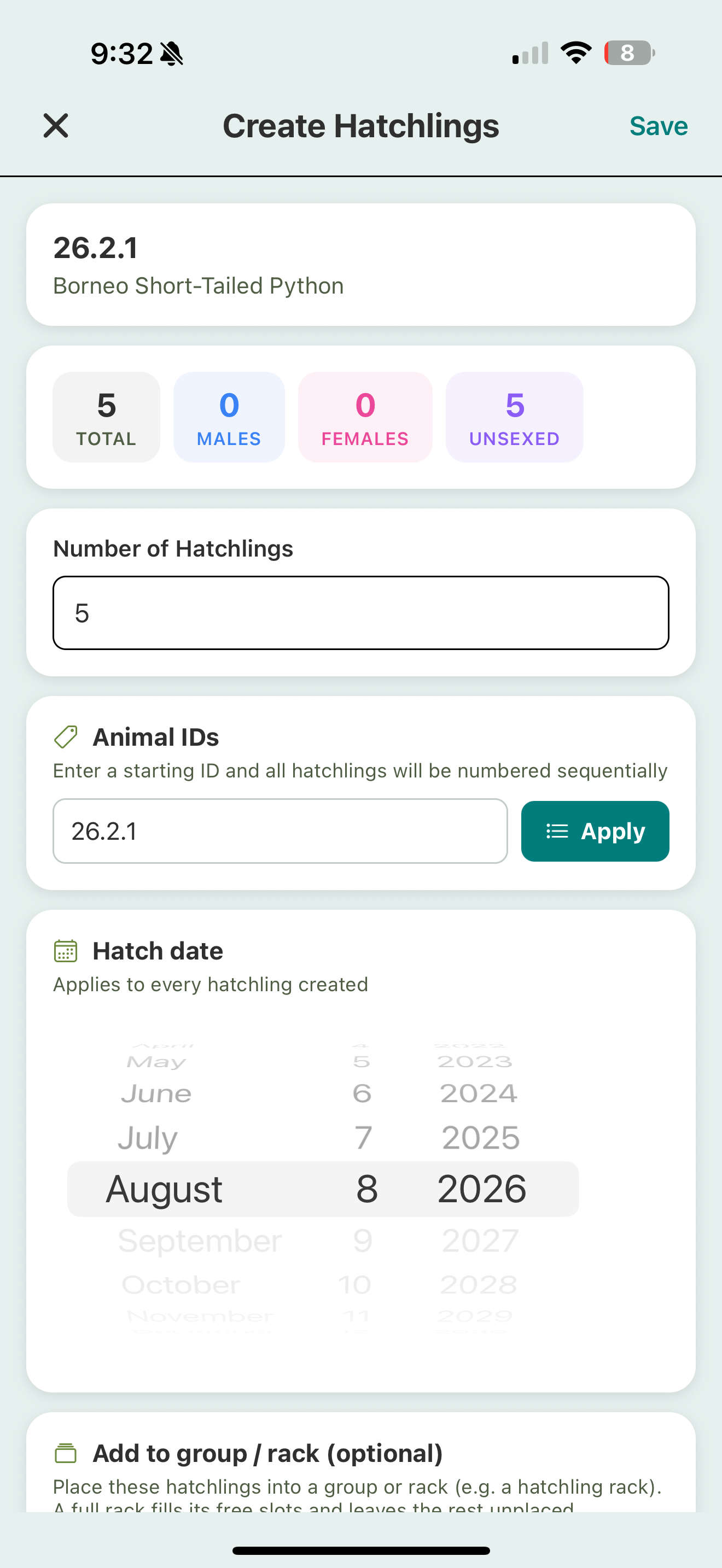
- Create hatchling profiles from it. Set how many were male, female, or unsexed, and Scutely creates them in a batch. The hatch date carries onto every hatchling as its birth date, and you can edit it right on this screen.
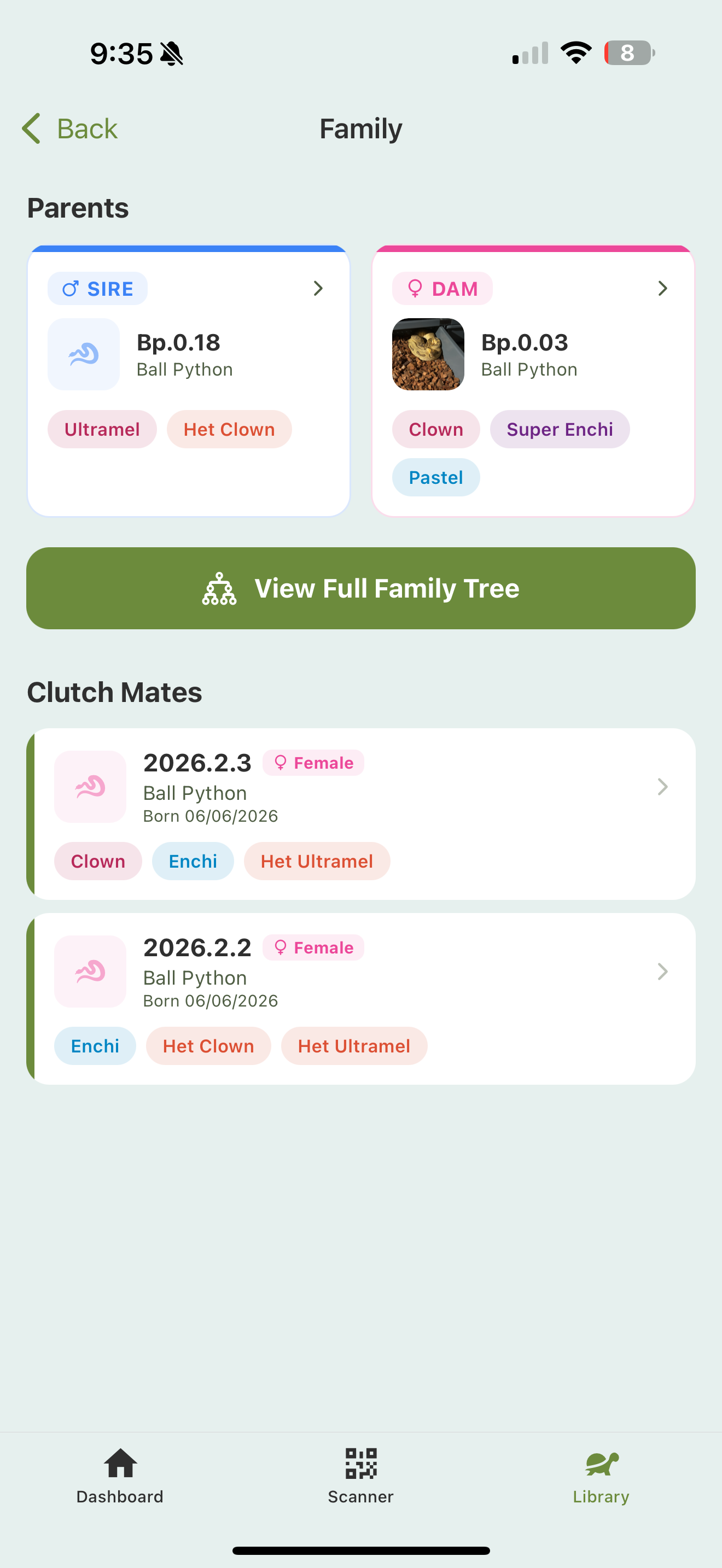
Because they come from the clutch, their lineage is linked automatically: the sire and dam are already set. (For tarantula keepers, they’re slings here, not hatchlings.)
Cage cards for the whole clutch
Once the hatchlings exist, you can print cage cards for all of them at once from the clutch, instead of one animal at a time. Select the hatchlings and print — each card carries the animal’s ID, species, and traits. See ID cards & enclosure QR codes.
Lineage
Once parentage is linked, it flows through the app:
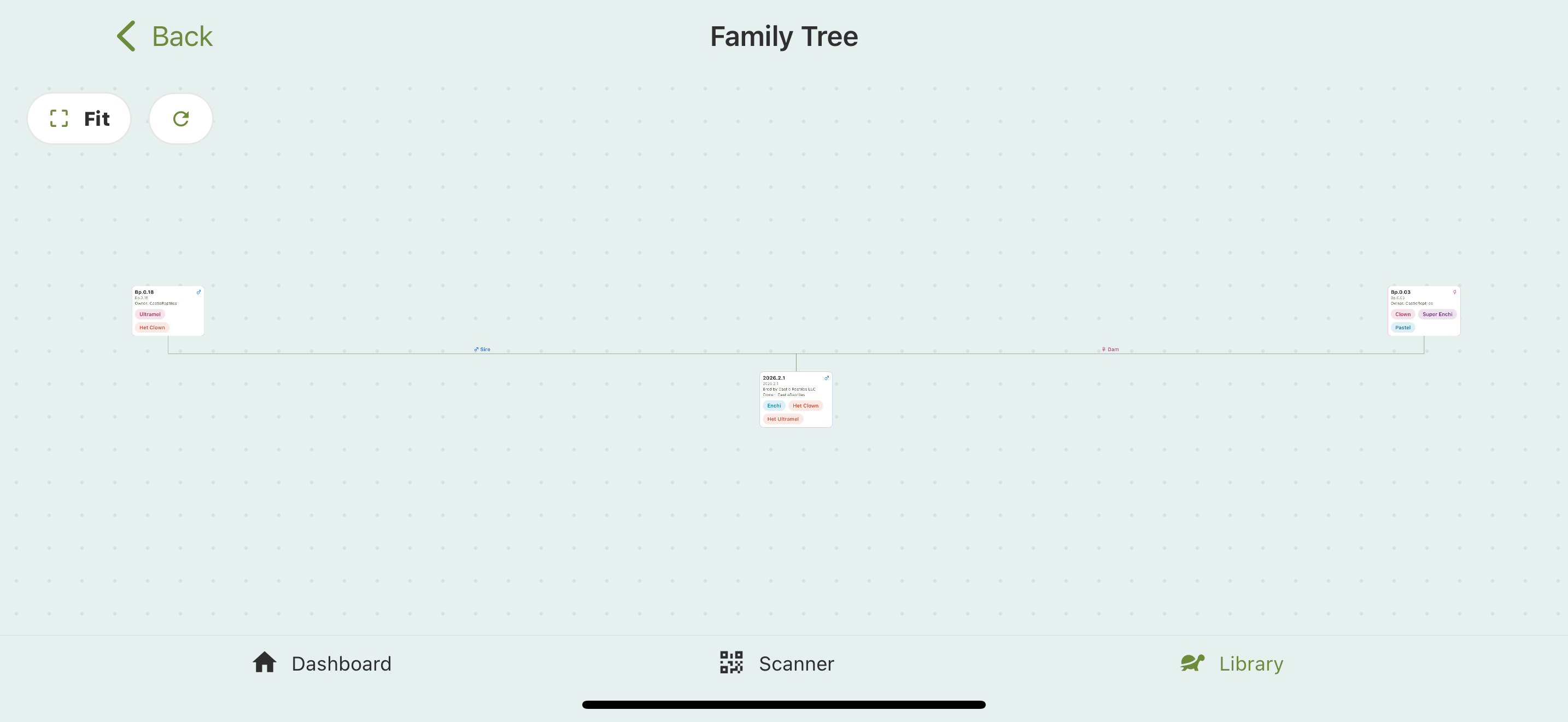
- A hatchling’s profile shows its sire and dam, plus siblings and the family tree beyond them.
- On paid plans, the family tree goes up to 6 generations, and you can print a pedigree chart to hand a buyer with their animal.
- Public animal pages can show full lineage, including parents’ traits, sex, year, and breeder.
- You can build parentage manually too, from the create/edit animal screen, by picking a sire and dam.
Tap View Full Family Tree for the pannable, zoomable graph, with each animal linked to sire and dam across the generations.
Track them from day one
Hatchlings are regular animals: log their care events, track weights and growth, and manage them in your Library like anything else.