
QR Code Scanning for Reptile Racks
Print a QR code for each animal and stick it on the enclosure. Scanning the code takes you straight to that animal, or lets you log an event for it. On a feeding day, multi-scan mode handles a whole rack at once.
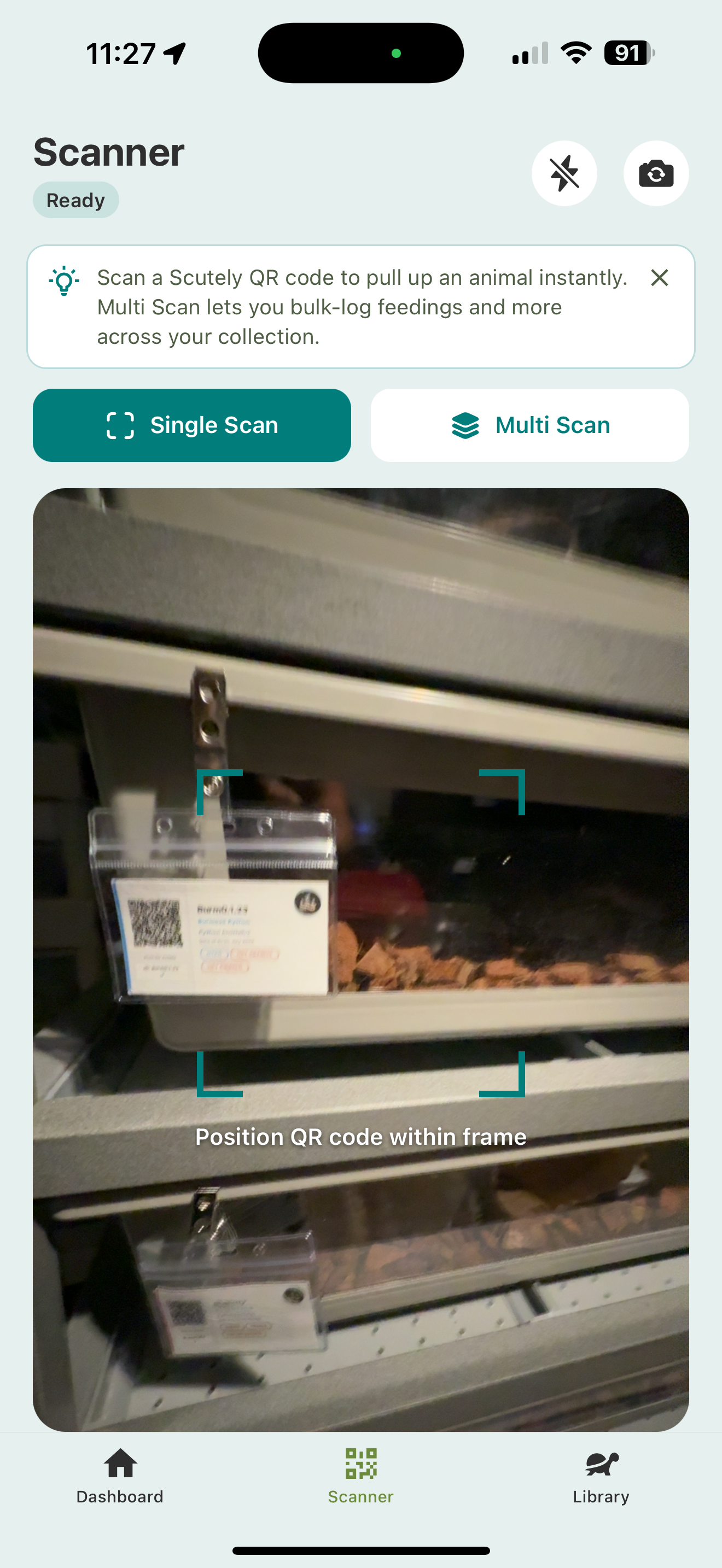
Getting QR codes onto enclosures
QR codes come from an animal’s ID card. Generate and print a card, then attach it to the enclosure. See ID cards & enclosure QR codes.
Single scan
- Open the Scanner tab.
- Point the camera at an animal’s QR code.
- Scutely opens that animal, or lets you quick-log an event for it.
Multi-scan (batch)
For feeding or cleaning runs:
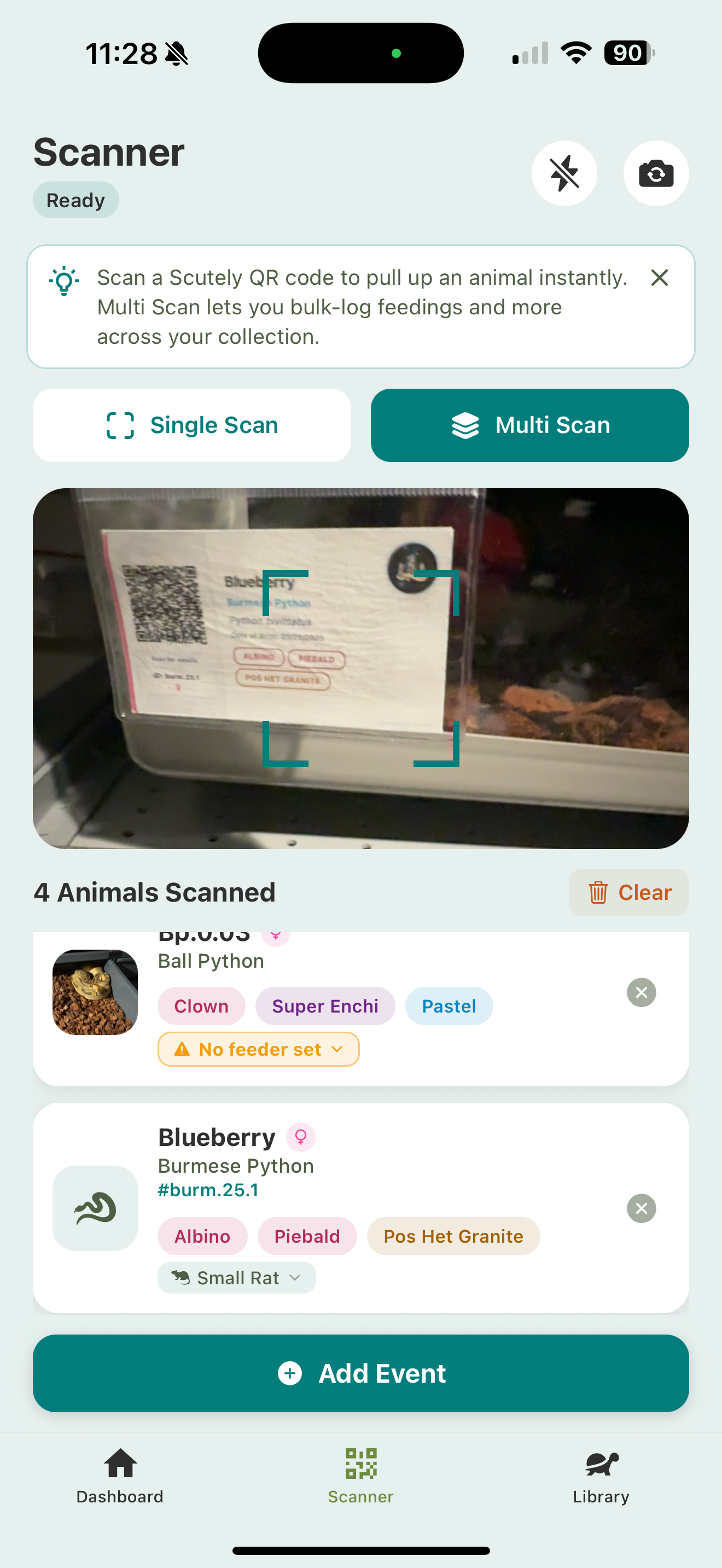
- Open the Scanner and switch to Multi Scan.
- Scan each enclosure’s code. The animals stack up in a list as you go, each with its traits and prey item.
- Tap Add Event to log the same event (a feeding, shed, or clean) across the whole batch at once, or export/print cards for the group.
Any animal without a prey item set shows a No feeder set flag right in the list, so you can fix it before logging the feeding.
Related
- ID cards & enclosure QR codes — where QR codes come from
- Event logging overview — what you can log from a scan