
Custom Reptile Care Events
Scutely covers the common care events out of the box, but every keeper has their own routines. Custom event types let you track whatever matters for your animals.
Creating a custom event type
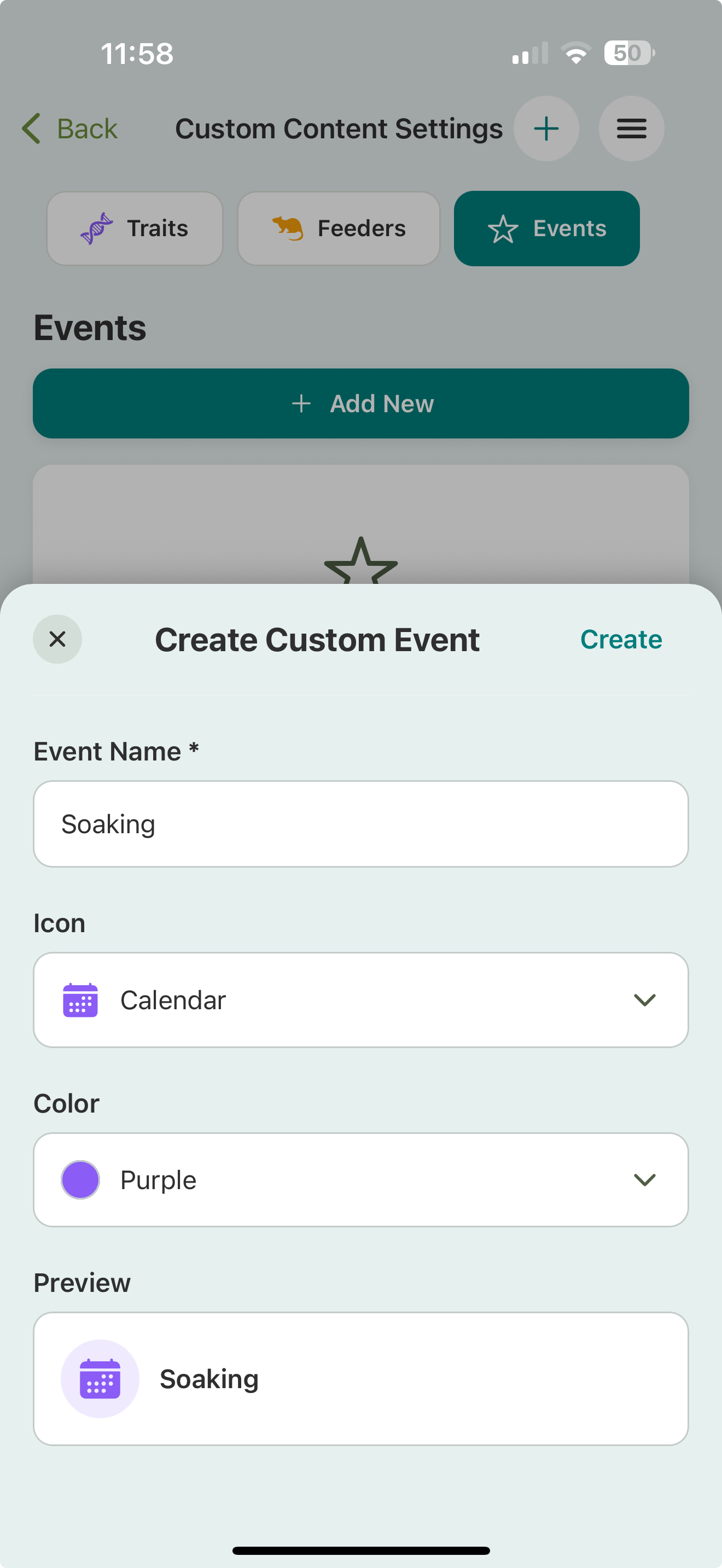
- Go to Settings → Custom Content Settings.
- Open the Events tab.
- Tap Add New and give the event type a name, an icon, and a color. A live preview shows how it’ll look before you save.
Once created, your custom event types show up in the Log Event list alongside the built-in ones. Logging one works the same way: pick it, add your notes and an optional photo, and save.
Examples
- Handling / socialization sessions
- Enclosure changes or upgrades
- Photos / progress checkpoints
- Anything specific to your species or setup
Related
- Event logging overview
- Collection defaults — custom feeders live in the same settings area