
Add Animals and Bulk Import Your Collection
There are two ways to add animals: create one at a time, or bring in a whole collection at once with Smart Import.
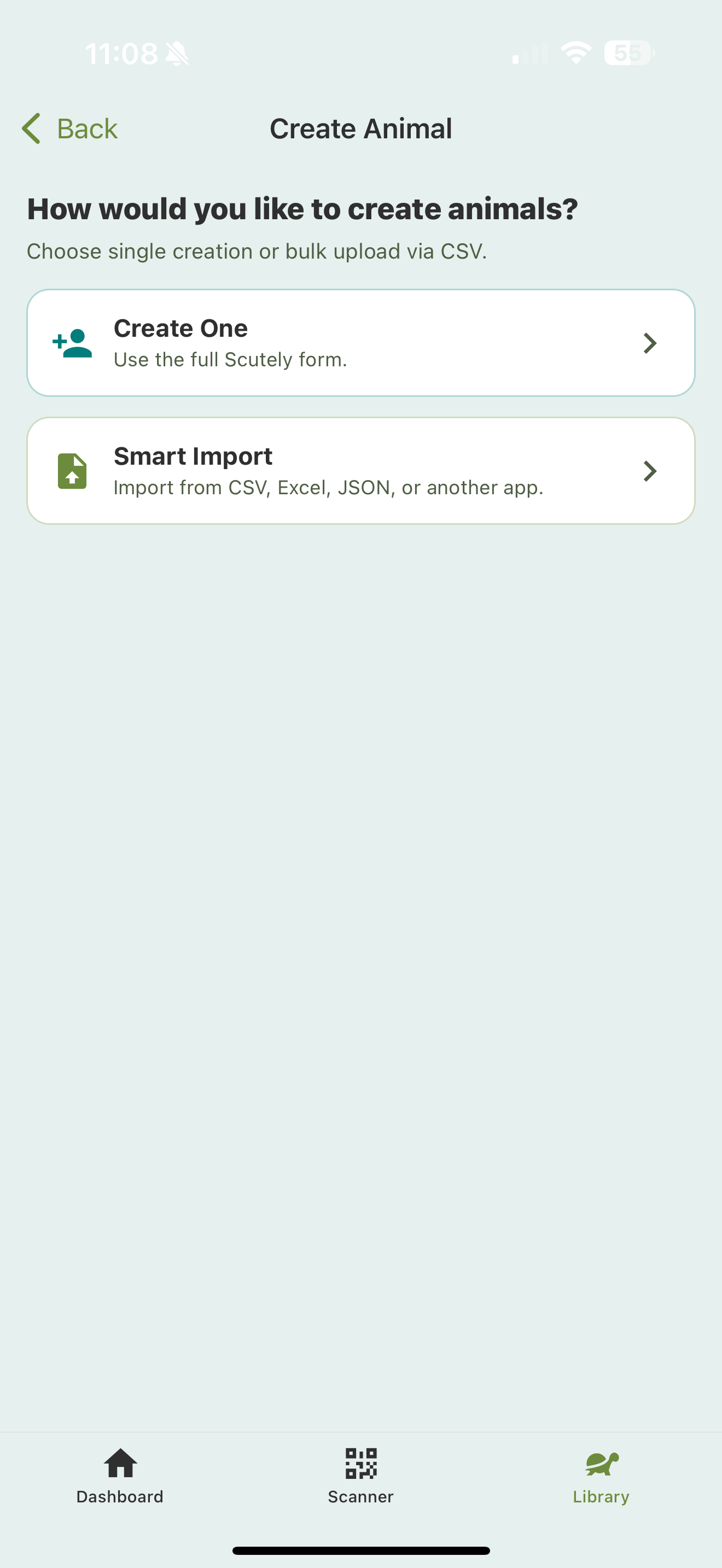
Tapping the + in your Library opens this chooser first: Create One to fill in the full Scutely form yourself, or Smart Import to bring in a CSV, Excel, or JSON file from another app.
Add one animal
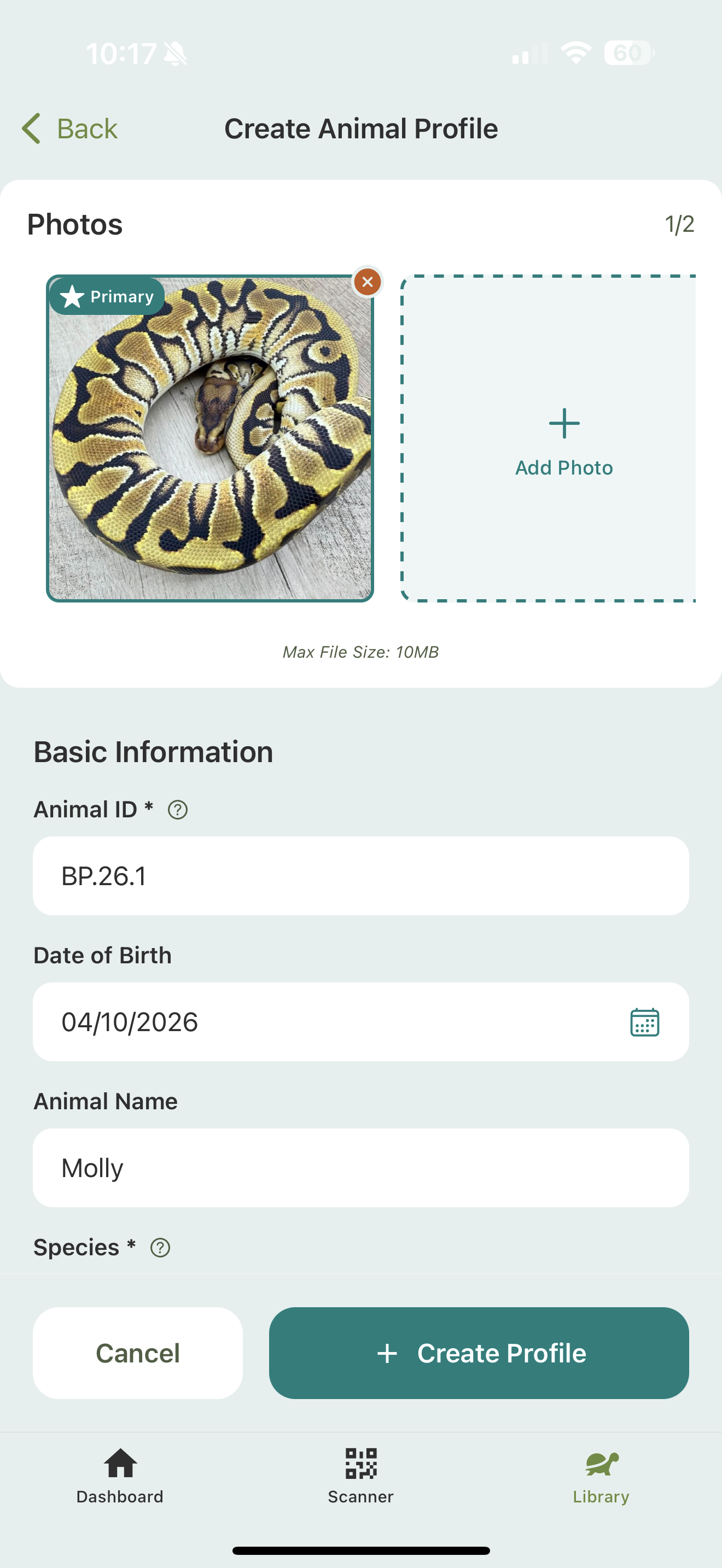
- In the Library, tap the + button.
- Choose Create One.
- Fill in the profile: name/ID, species, sex, traits, photos, and any other details.
- Tap Save.
See Quick start: your first animal for a full walkthrough of the form.
Smart Import (bulk)
If you already track your collection in a spreadsheet or another app, Smart Import brings it all in at once.
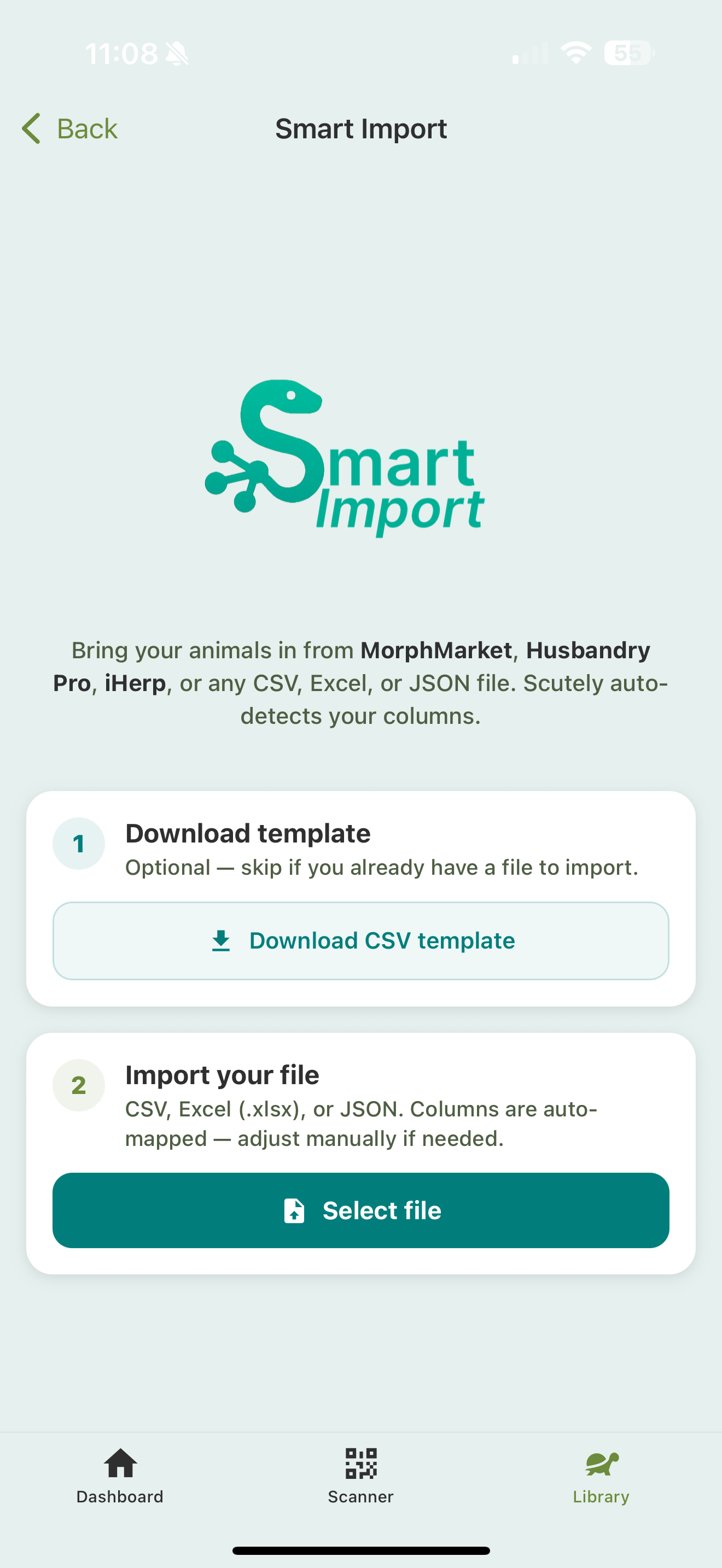
- In the Library, tap the + button.
- Choose Smart Import.
- Pick your file: CSV, Excel, or JSON, including exports from MorphMarket, Husbandry Pro, iHerp, and other apps.
- Scutely maps your columns to the right fields automatically. Review the mapping and adjust anything that didn’t line up.
- Review the animals. You’ll see how many rows are valid and can fix any that aren’t, right in the review screen. There’s a bulk ID generator if your animals need IDs.
- Confirm to import.
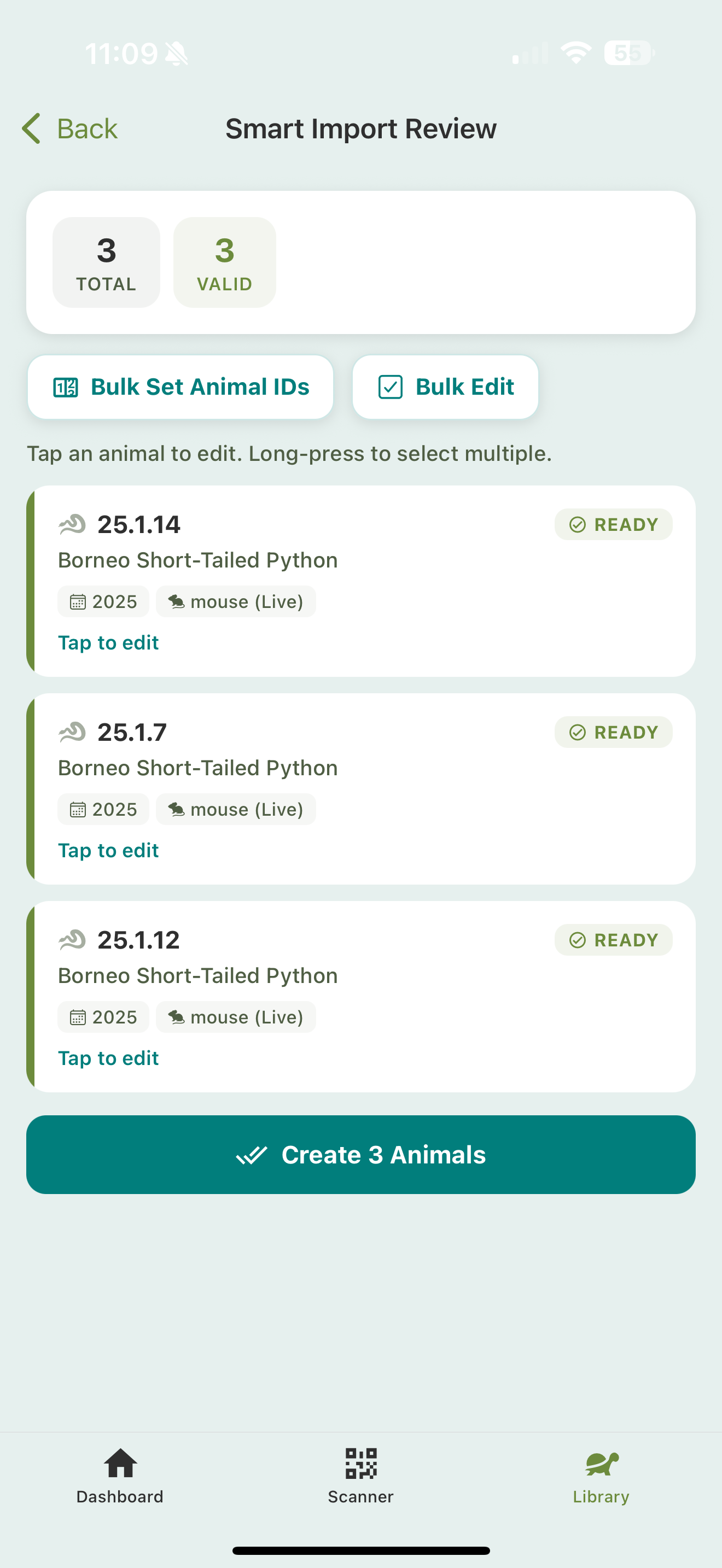
The review screen shows a Total and Valid count up top. Tap any animal to fix its details, or long-press to select several. Bulk Set Animal IDs generates sequential IDs for the whole batch, and Bulk Edit applies shared fields at once. When everything reads Ready, tap Create Animals to finish.
It handles traits too, including het, possible het, and super forms, so a well-labeled spreadsheet comes in with genetics intact.
After adding
- Set up Collection defaults so future animals pre-fill common fields.
- Add photos and traits to round out each profile.
- Print QR codes for enclosures. See QR scanner & multi-scan.