
Manage Your Scutely Subscription
You can upgrade, change, or cancel your plan any time. How you manage it depends on where you subscribed.
Upgrading or changing plans
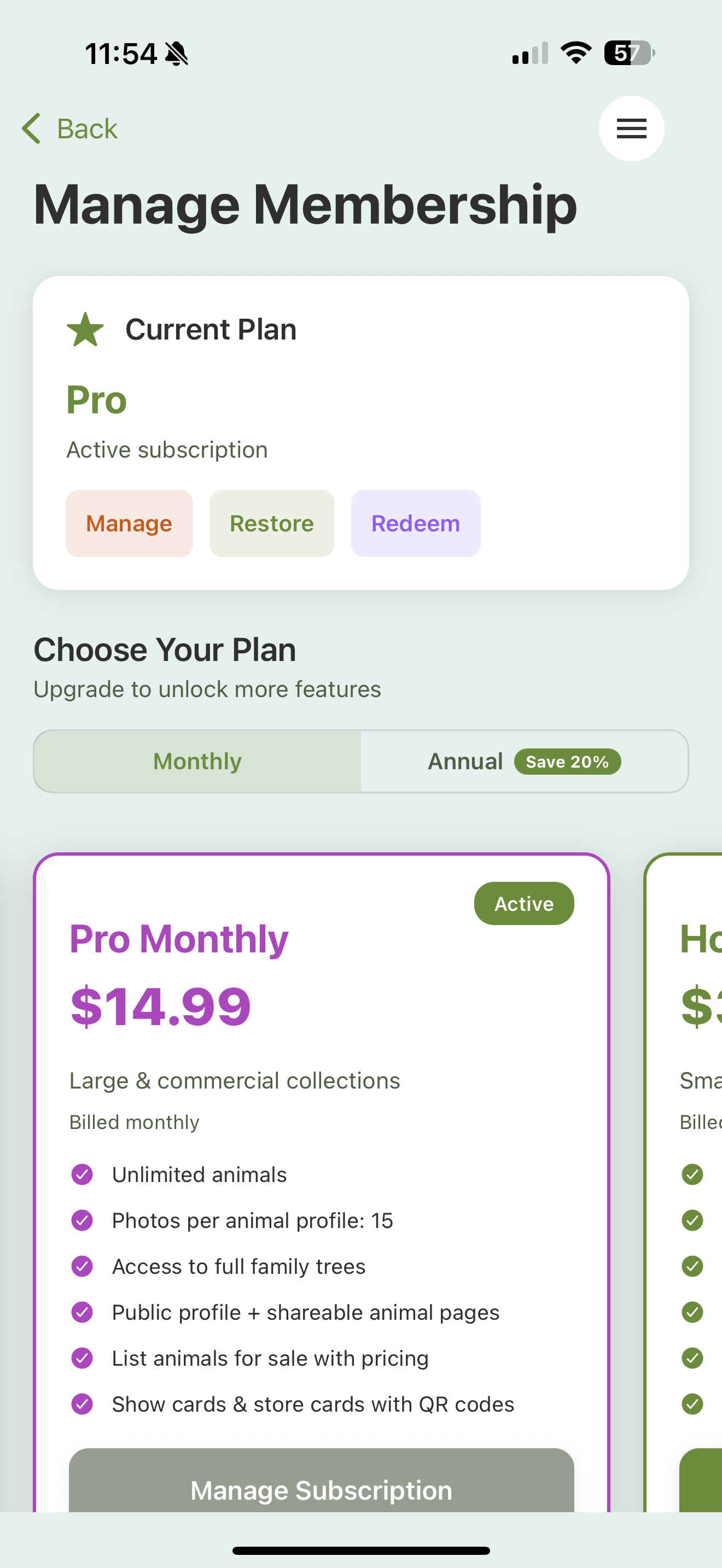
Open Settings → Premium Membership, and choose a plan. If you already subscribe, Manage takes you to wherever your subscription is billed (see below) to change plans there. Upgrades generally take effect right away; a downgrade applies at the end of your current billing period.
Canceling
You can cancel any time. Your plan stays active, with all its features, until the end of the billing period you’ve already paid for.
Where your subscription is managed
Your subscription is managed wherever you bought it:
- Apple (App Store) — manage or cancel in your Apple ID subscription settings.
- Google (Play Store) — manage or cancel in your Google Play subscriptions.
- Web (scutely.com) — if you subscribed on the website, manage or cancel from your account page there.
Scutely shows you which of these manages your subscription.
Going over your limit
If your subscription ends and you’re over the free limit, your animals aren’t deleted. The extras are locked until you resubscribe. See Plans & tiers for how locking works.