
Reptile Care and Feeding Reminders
Once you’ve scheduled care, Scutely can send a push notification when something is coming up or running late, so nothing slips through the cracks.
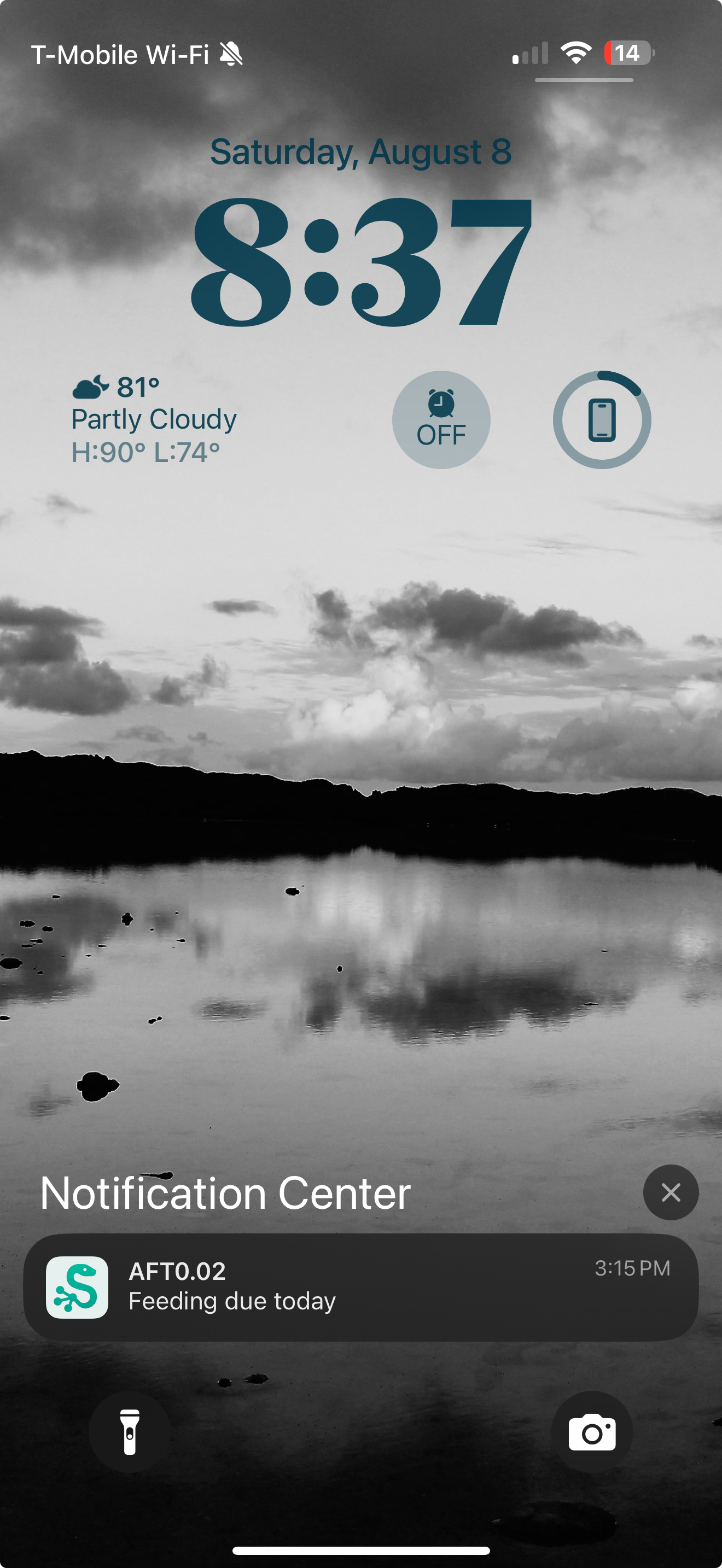
How reminders work
When you create a schedule, you choose how you want to be reminded:
- Days ahead — get a heads-up 3 days before, 1 day before, on the day, or any combination.
- Late nudge — an optional extra reminder if a task slips past its day.
Reminders are grouped, so a rack that’s due to eat sends you one clear notification — not one buzz per animal on the rack. If tasks are overdue, the notification says so.
Where they show up
Tapping a care reminder opens your Today list, so you can check the tasks off right there. Care reminders also appear in your in-app Alerts, where overdue care stands out.
Turning reminders on or off
Care reminders have their own switch in Settings → Notification Settings, alongside the other notification types. Turn them off there anytime, or control push, sound, vibration, and the app-icon badge for all notifications from the same screen. See Notifications.