
Create a Scutely Account
Creating a Scutely account takes about a minute. Your free account includes full husbandry, breeding, and clutch tracking for up to 5 animals, and you can upgrade any time as your collection grows.
Sign up
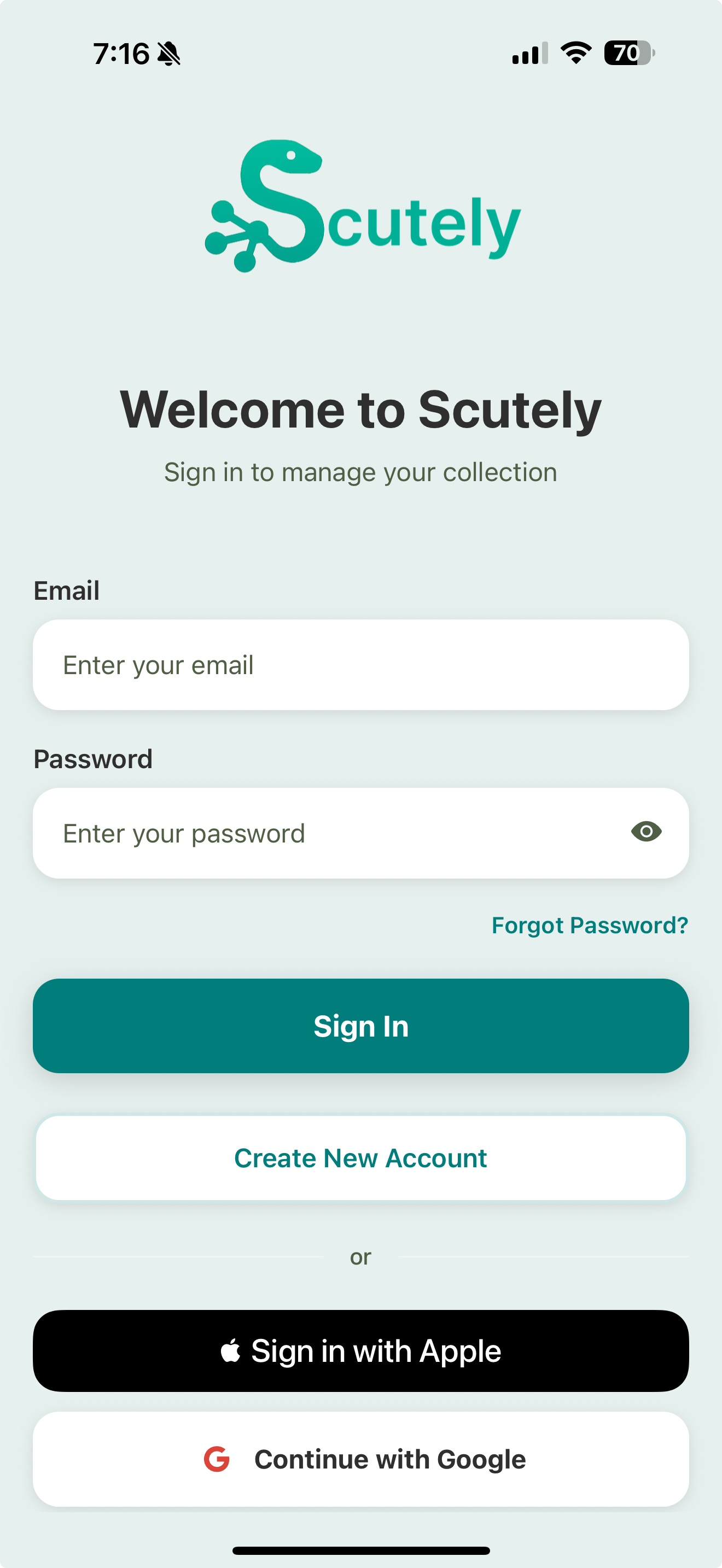
- Open Scutely. To sign up with Apple or Google (the fastest option), tap those buttons on the sign-in screen.
- To sign up with email and password instead, tap Create New Account.
- Pick a username. This is how other keepers find you for transfers and public pages.
- If you’re a breeder or shop, you can add a company name (optional).
- If you signed up with email, confirm your address from the verification email we send.
The sign-up form
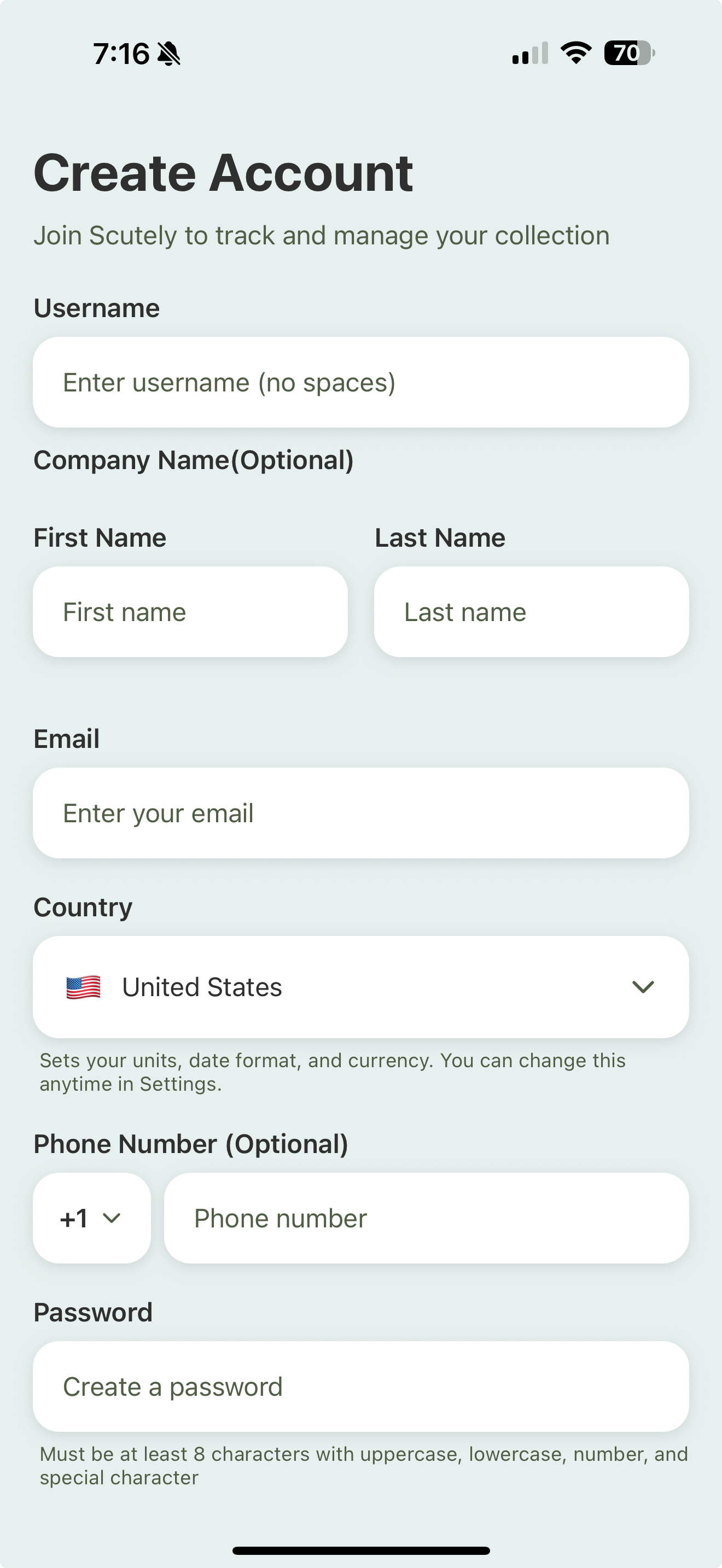
When you tap Create New Account, the form asks for your username, name, email, and a password. Company name and phone number are optional.
Your country sets your default units, date format, and currency — you can change it later in Settings. Your password needs at least 8 characters with an uppercase letter, a lowercase letter, a number, and a special character.
Set up your profile
Once you’re in, a few quick settings make everyday use faster:
- Profile photo — shows on your public profile and can appear on printed cards.
- Company / display name and contact info — used on public pages and store cards.
- Default species and collection defaults — auto-fill common fields so adding animals is quicker. See Collection defaults.
You can skip all of this now and set it up later from Settings.
Free vs. paid
Your free account gives you the core app for up to 5 animals: full care logging, breeding, clutches, the QR scanner, and HerpDex access. Paid plans raise your animal limit and unlock more photos per animal, public pages, for-sale listings, show and store cards, and more.
See Plans & tiers for a full breakdown.