
Share Your Reptiles Online with Public Animal Pages
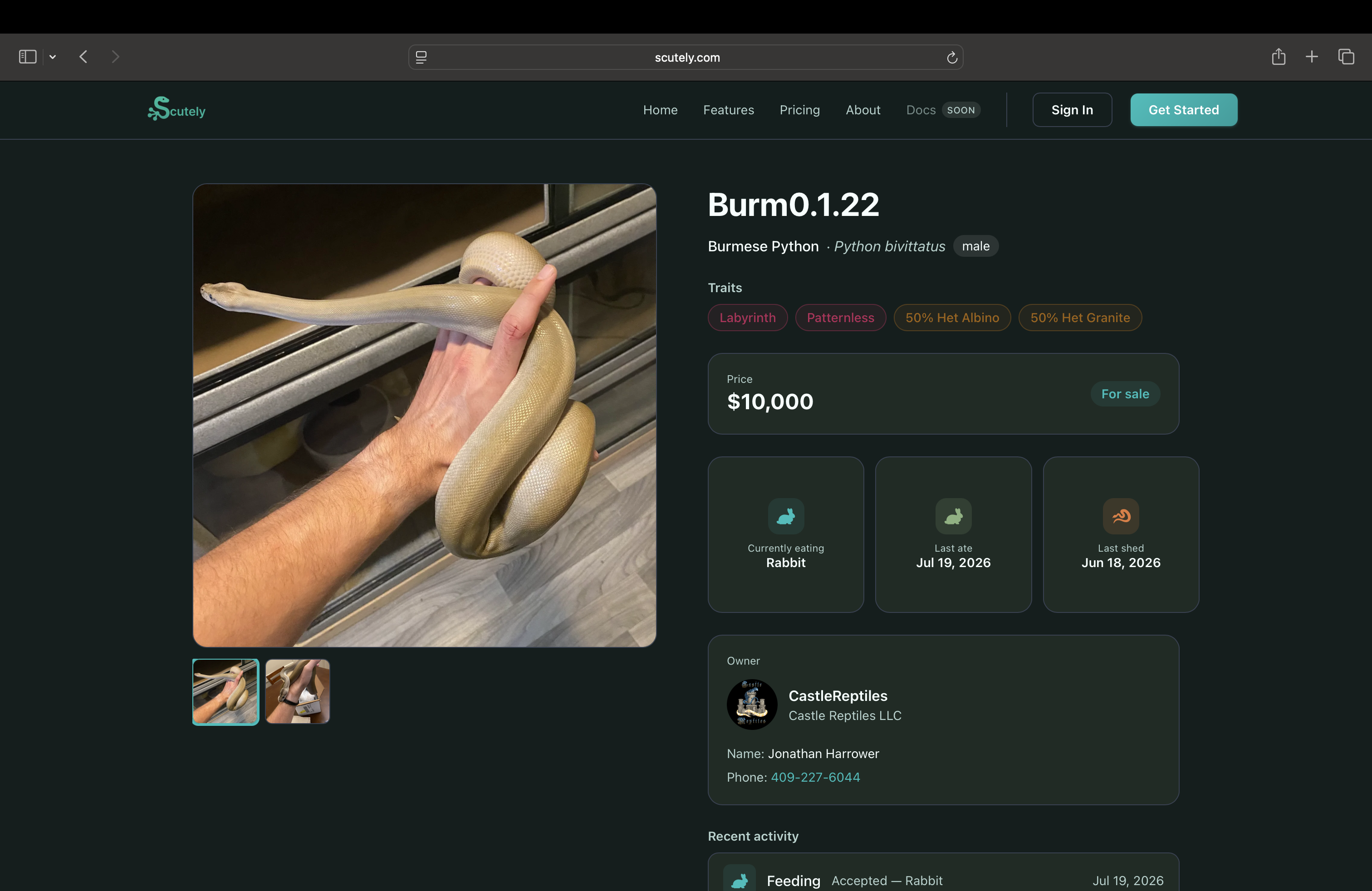
Any animal you mark public gets its own web page. Anyone can view it in a browser, with no app or account needed, which makes it useful for sale listings, showing off a project, or sharing an animal’s lineage with a buyer.
Making an animal public
- First, make sure your profile is public; the animal toggle stays disabled until it is. Turn it on in Settings → Privacy.
- Open the animal and go to its Privacy screen.
- Turn on Public Animal Profile.
- Tap Share Link to send the page anywhere.
Anyone with the link can now view the page.
Choosing what’s visible
You control exactly what shows, either per animal or from your account defaults:
- Photos, species, sex, traits, and more
- Care history and stats you choose to share
- Full lineage — sire and dam with their traits
Two things are always protected:
- Medical records are never shown publicly.
- A private parent in the lineage still shows its traits without revealing the owner.
For sale
If you set a price and mark the animal available, the public page shows it’s for sale with the price, so the page doubles as a listing. See Show cards & printing for print versions and Ownership transfers for completing a sale.