
Reptile Breeding Groups and Pairings
Breeding groups are how you organize a season’s pairings. Create a group for a pairing, then log breeding events against it as the season progresses.
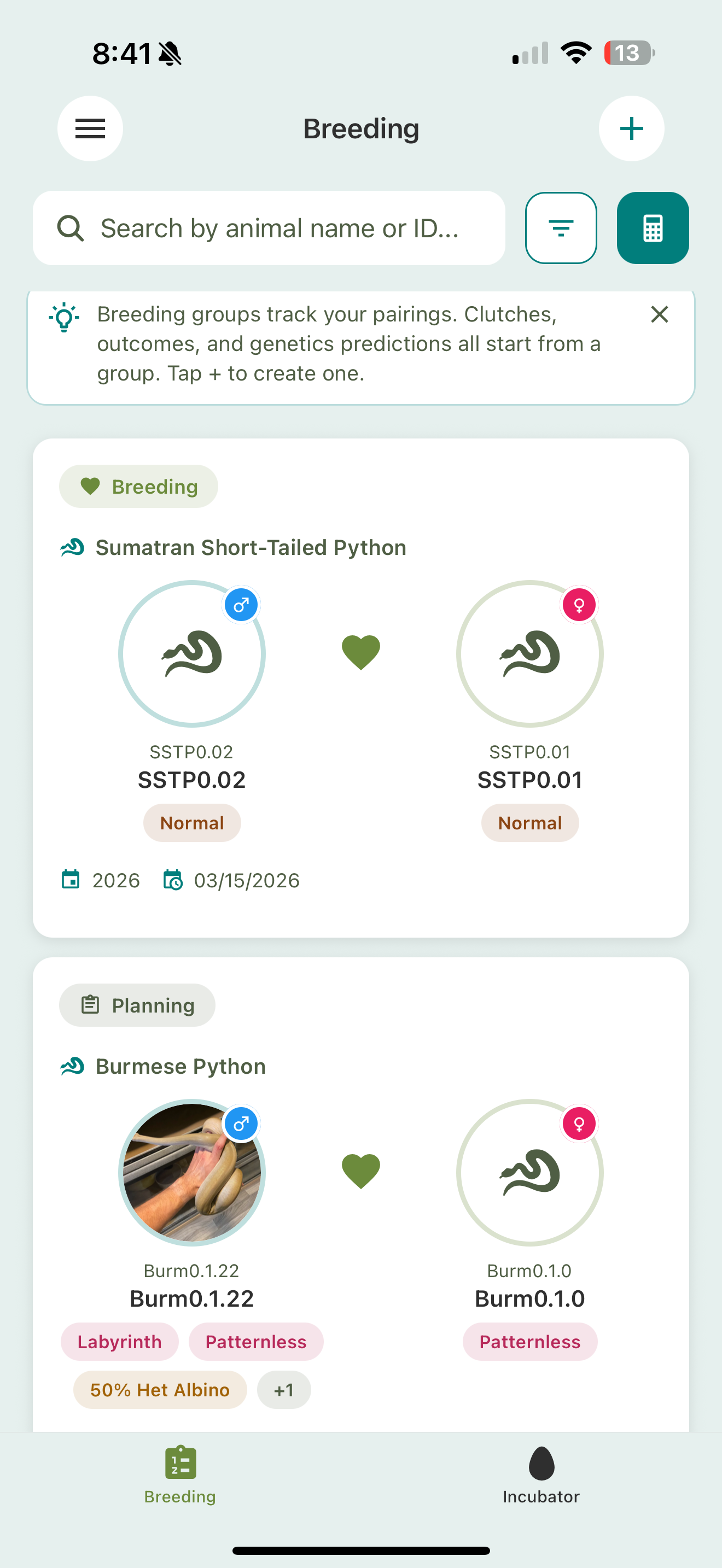
Creating a breeding group
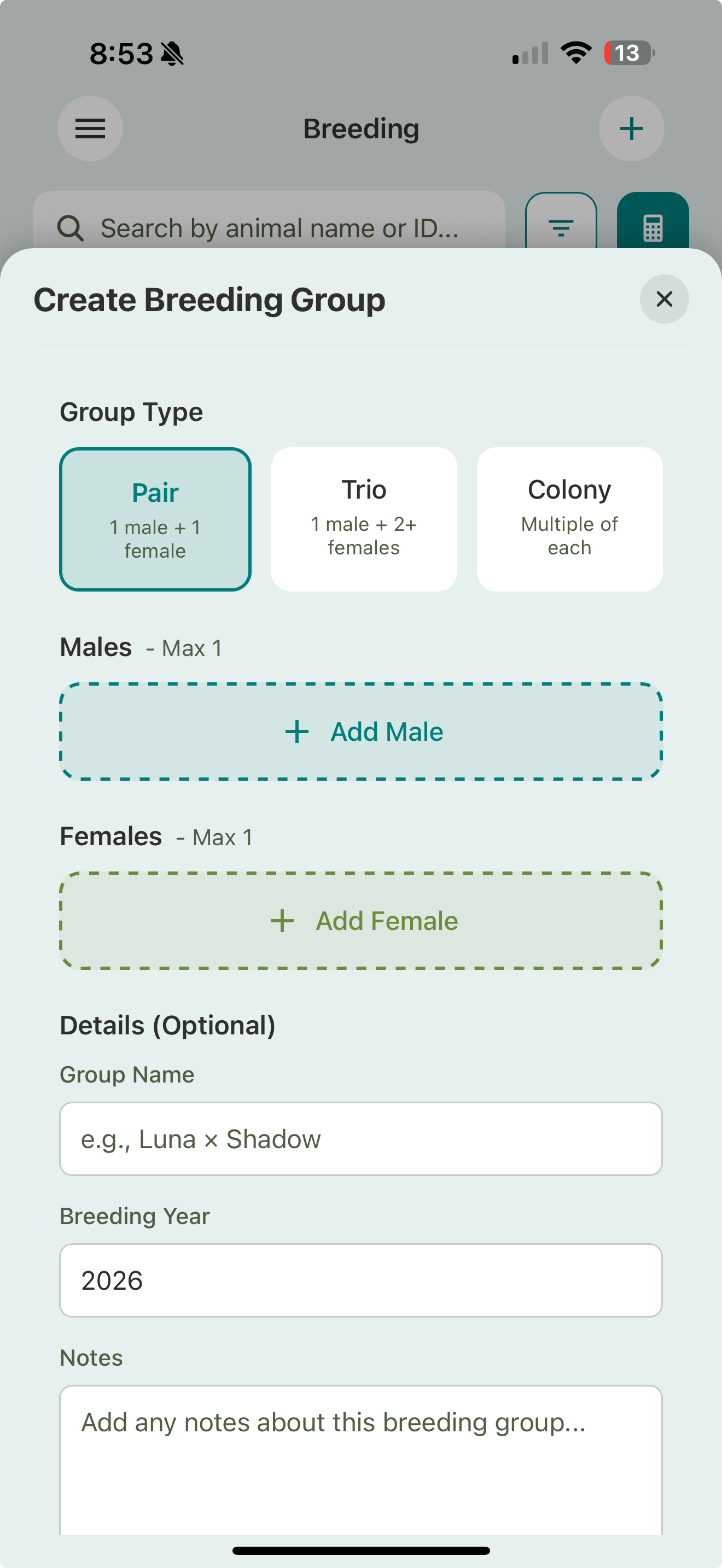
- Go to the Breeding section.
- Tap Create Group.
- Pick the group type — Pair (1 male + 1 female), Trio (1 male + 2+ females), or Colony (multiple of each).
- Add your males and females, then optionally set a name, breeding year, and notes.
The group’s status follows the season (Planning, Brumation, Cooling, Breeding, Gravid, Completed), so a glance at the breeding tab tells you where each pairing stands.
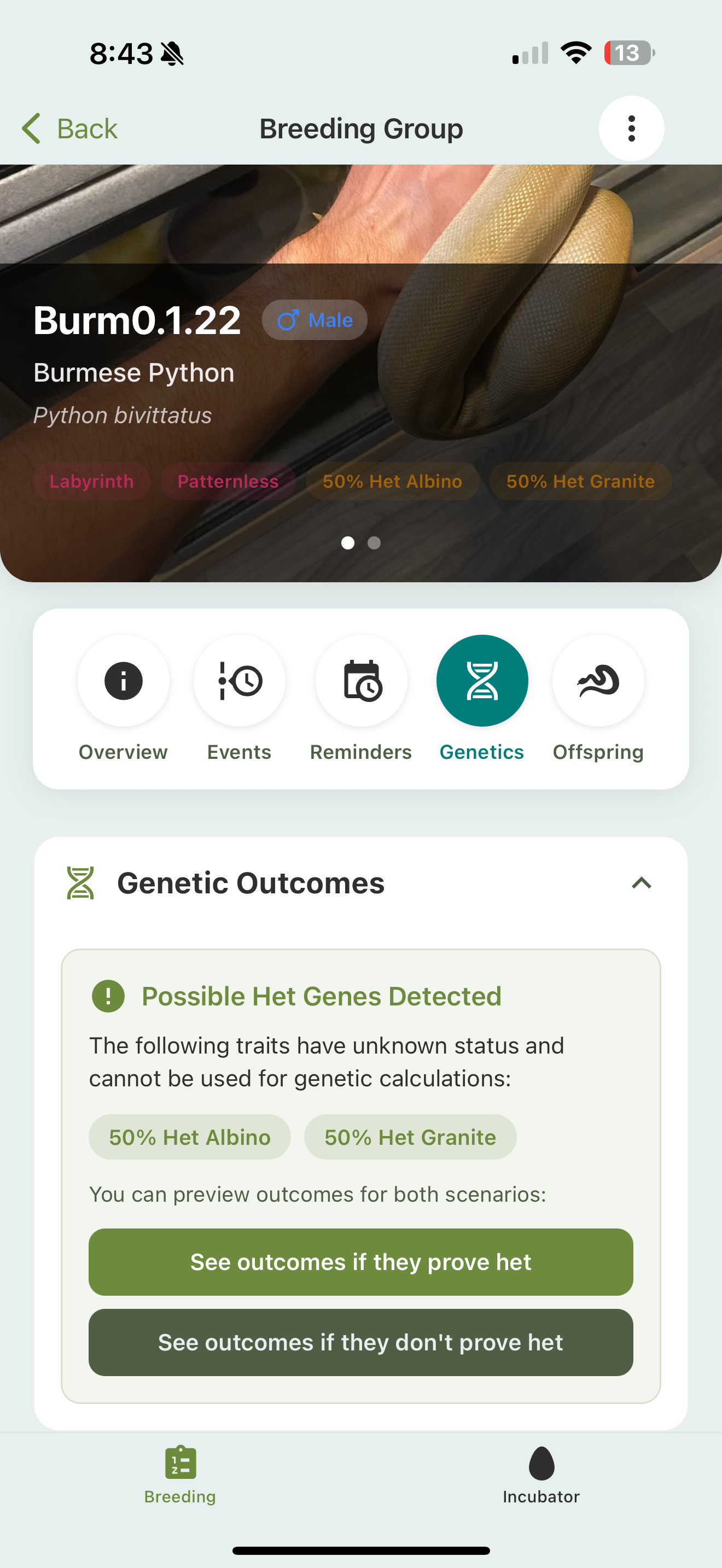
Open a group to see its tabs: Overview, Events (the season log), Reminders, Genetics (predicted outcomes for the pairing), and Offspring.
Logging breeding events
Everything that happens over a season gets logged on the group:
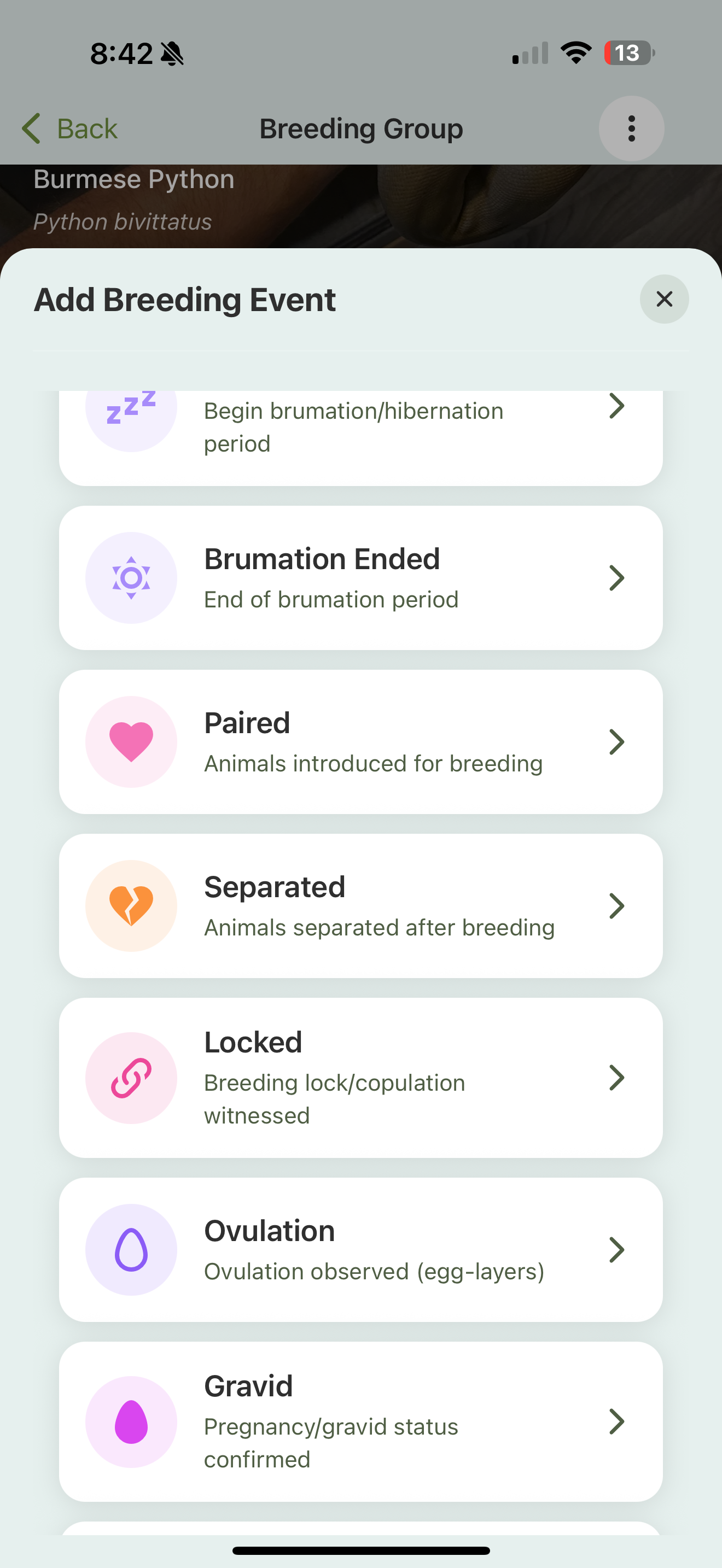
- Cooling and brumation — started and ended, with an option to put feeding on hold for the animals involved. When brumation ends, feeding picks back up automatically.
- Paired, Locked, and Separated — the introductions and what came of them.
- Ovulation and Gravid — logged per female, with the option to start gestation tracking.
- Laid Clutch or Gave Birth — records the outcome and creates a clutch. (For tarantulas and other arachnids this shows as Laid Egg Sac.)
- Condition Check — a quick health assessment of the group mid-season.
You can attach a photo to the big moments (locks, ovulation, laying) so the record isn’t just dates.
A pre-lay shed is logged as a regular Shed event on the female. The shed form has a Pre-Lay option, and it can kick off gestation tracking too.
Gestation tracking
When you log Ovulation or Gravid (or a pre-lay shed), you can start gestation tracking for the female. Scutely shows a live pregnancy progress bar, the expected lay or birth date, and how many days she’s been gravid. It works for both egg-layers and live-bearers, and you can record the birth straight from the gestation record when the day comes.
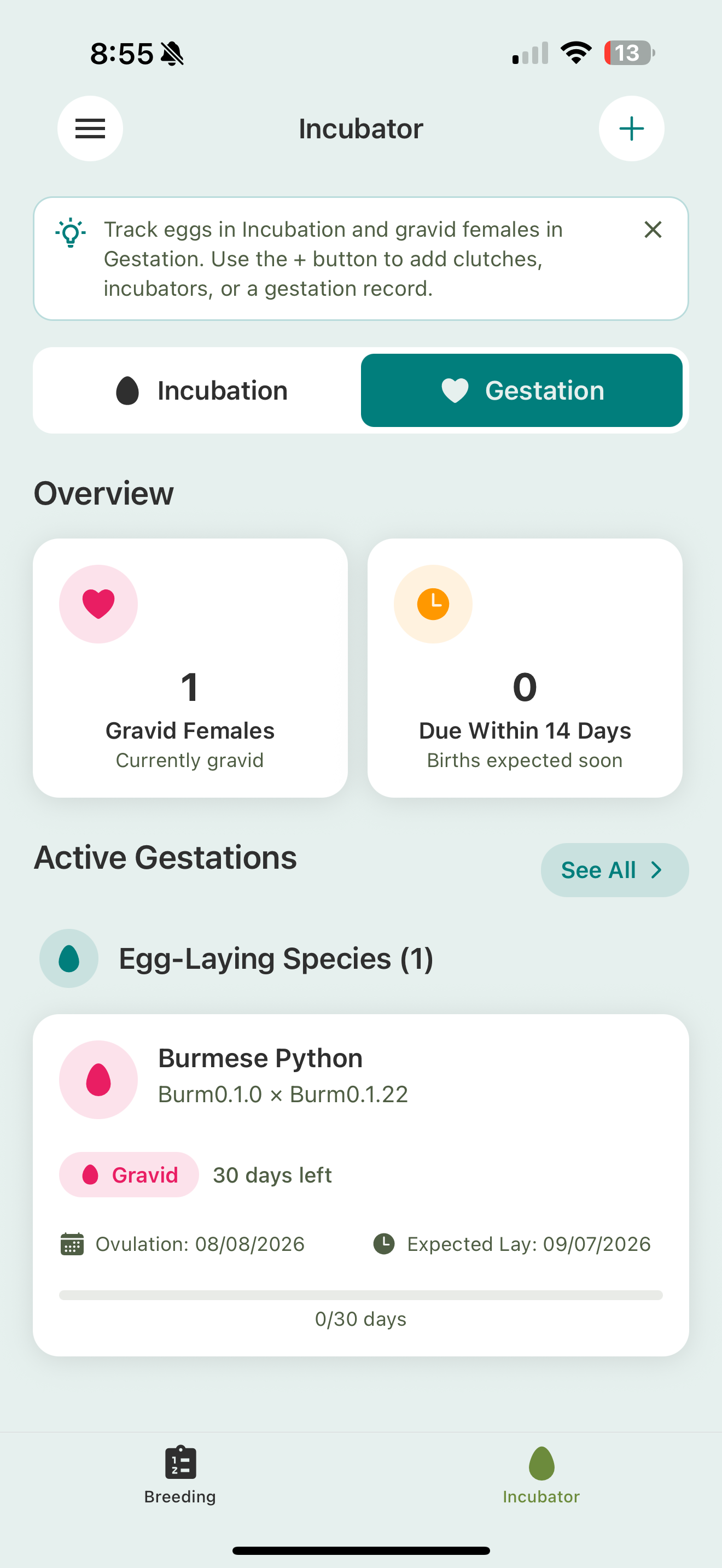
Active gestations live in the Incubator → Gestation tab, alongside your incubating clutches.
Wrapping up a season
When a pairing produces, you can close it out three ways: record the event on its own, complete the group, or complete and reuse it. Reusing archives this season and sets the same group up again for next year, which makes repeat pairings easy to restart.
From pairing to offspring
When eggs are laid or babies arrive, create a clutch (or record the litter) from the group. See Clutches, egg sacs & incubation.
Related
- Clutches, egg sacs & incubation
- Hatchlings & lineage
- Genetic calculator — predict offspring before you pair